
Slann
Warden
Tenth Spawning
- Messages
- 6,633
- Likes Received
- 18,853
- Trophy Points
- 113
Couldn't figure out how to make a new thread in the tutorial subforum because the "post new thread" button didn't show up for me, so here it goes.
Step 1: Designing your tiles.
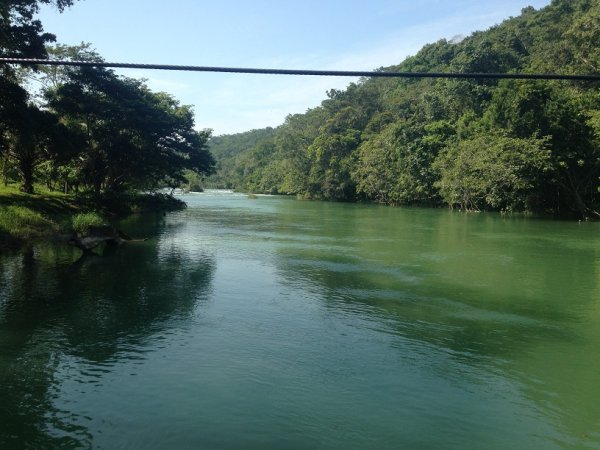
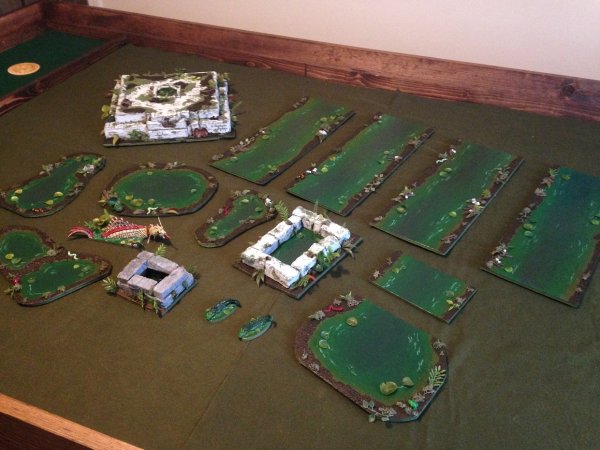
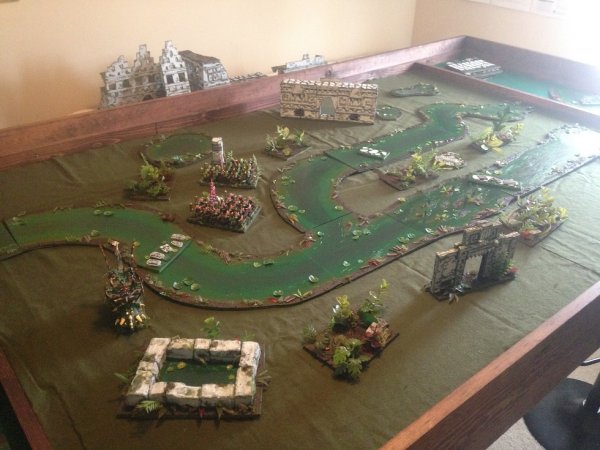
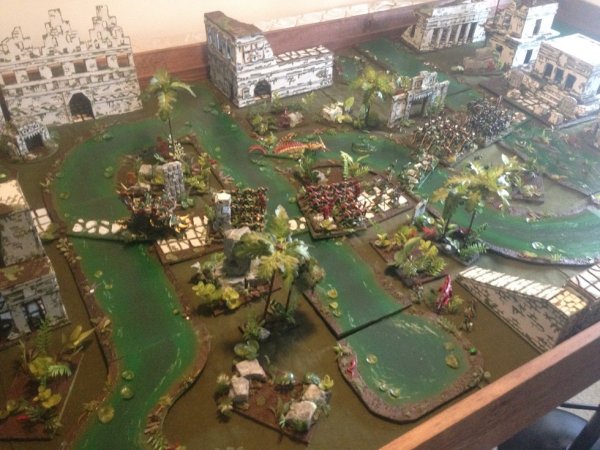
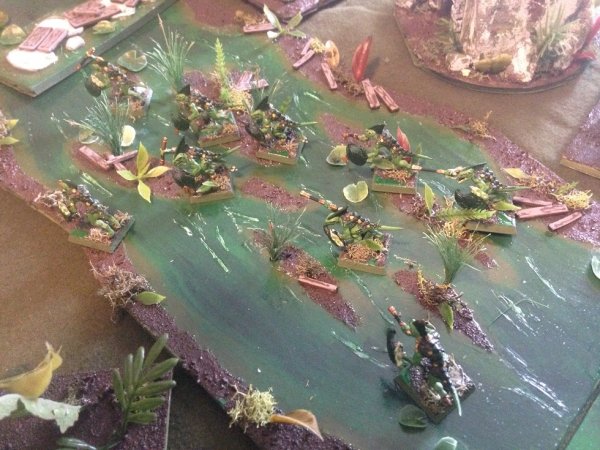
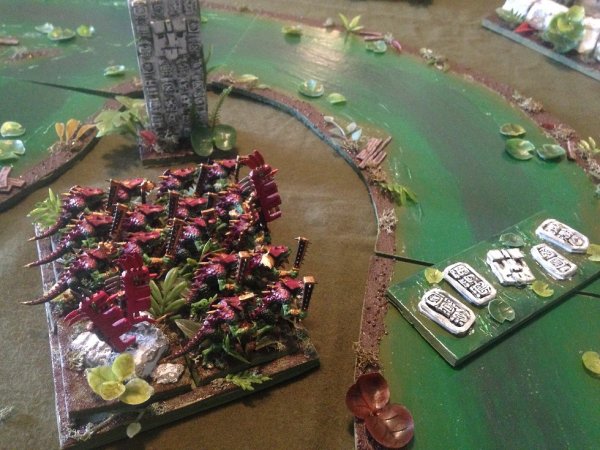
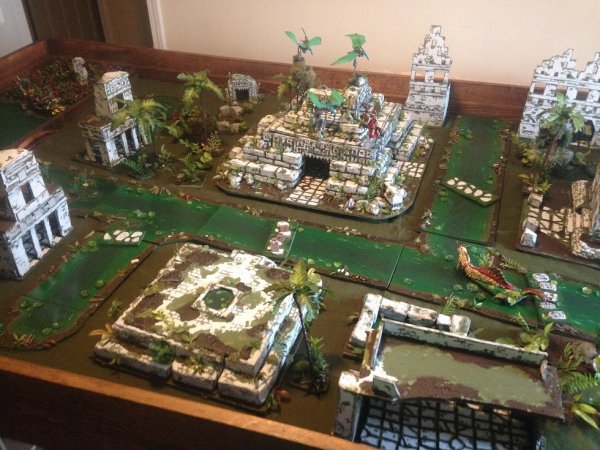
I really like making my terrain interchangeable and able to be used in multiple different combinations. This makes each board I put together slightly different than the last one. For inspiration as you make your river or canal tiles, I recommend doing some internet searching first. Here is some of the inspiration I found when coming up with my river tiles.
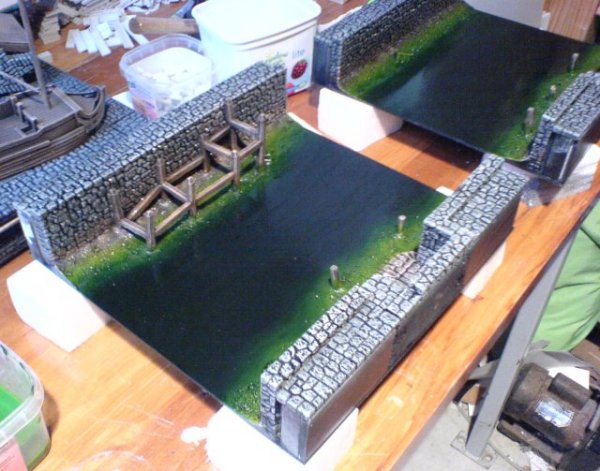
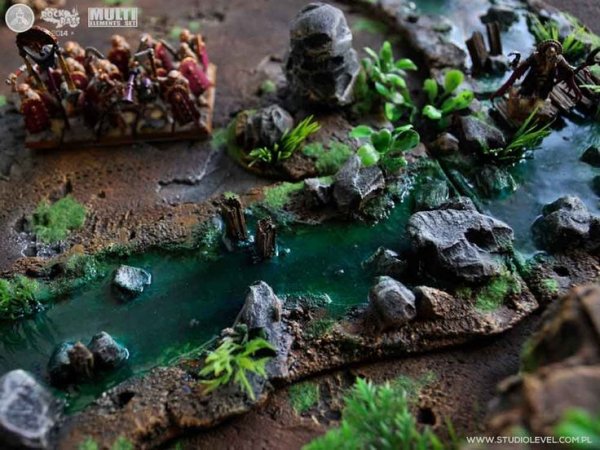
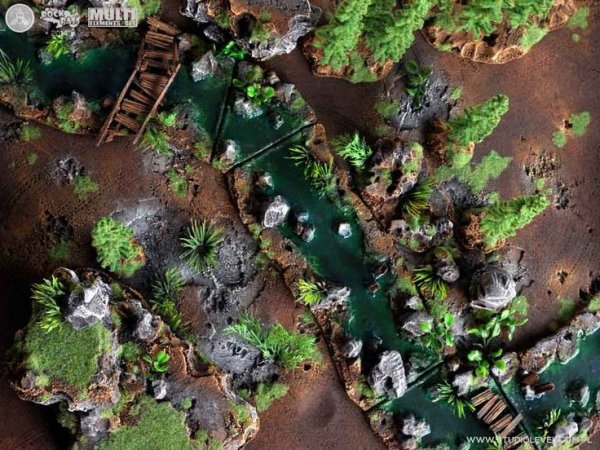
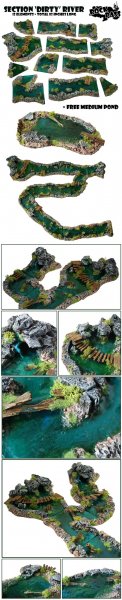
ALSO CHECK THIS OUT! @n810 made an epic river way back when too.
Step 2: Cut out your tiles.
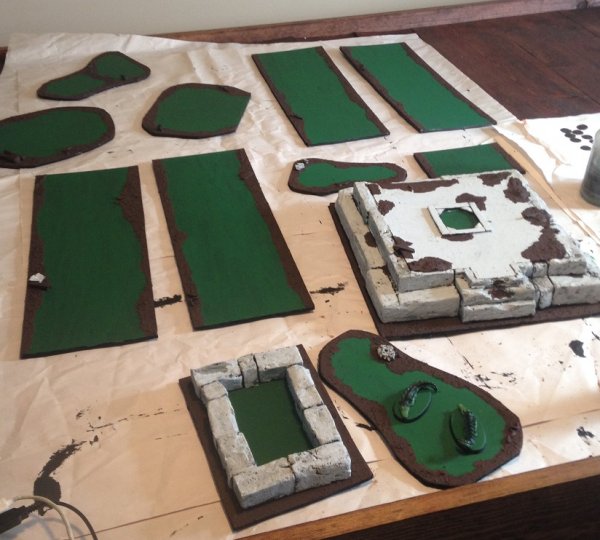
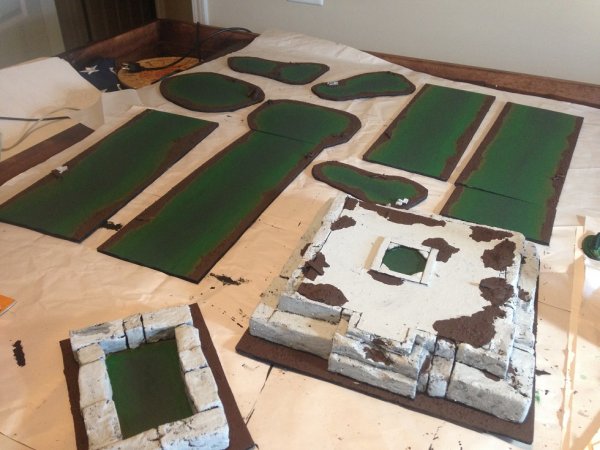
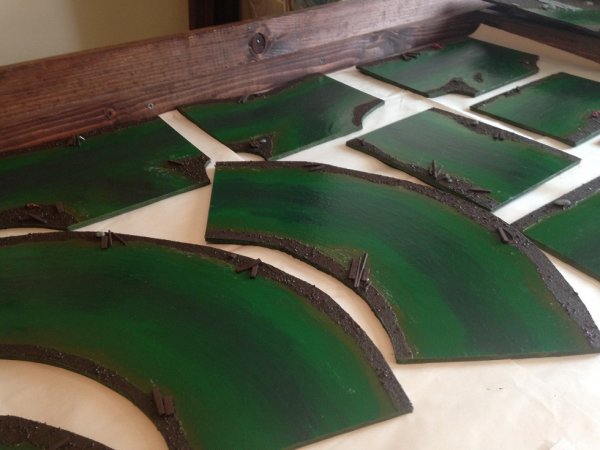
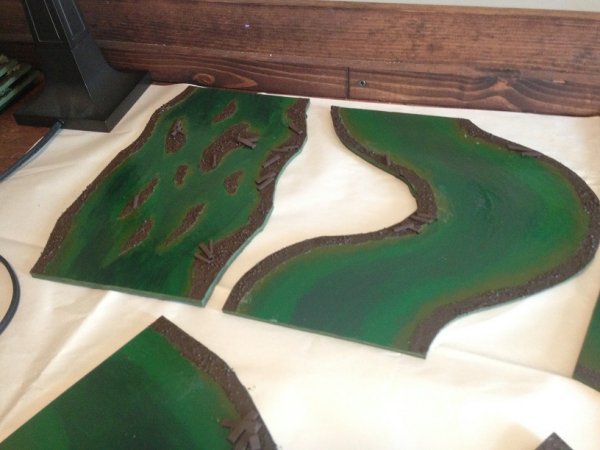
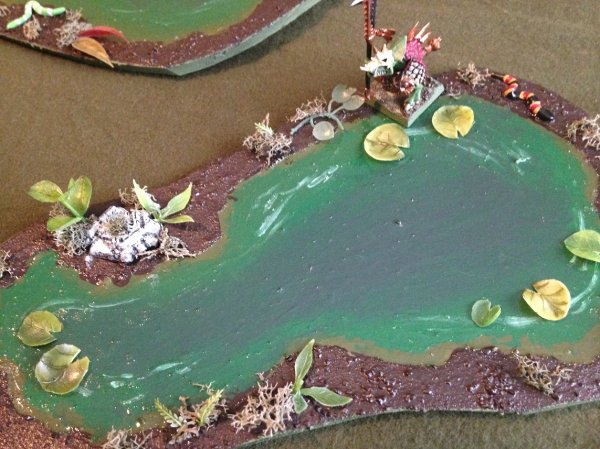
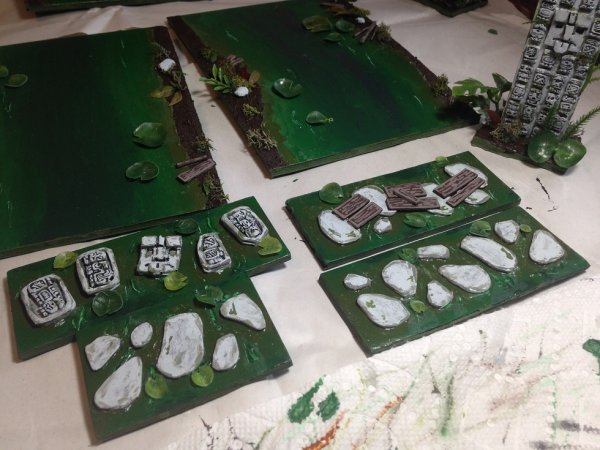
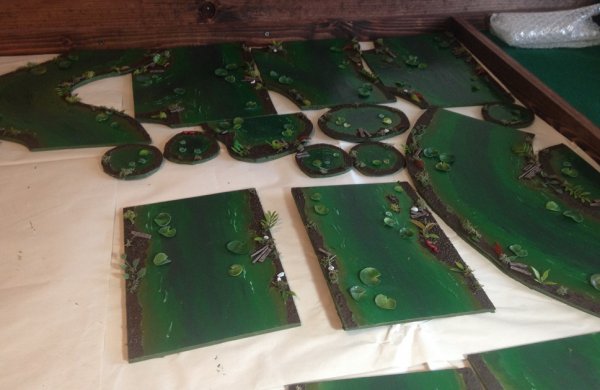
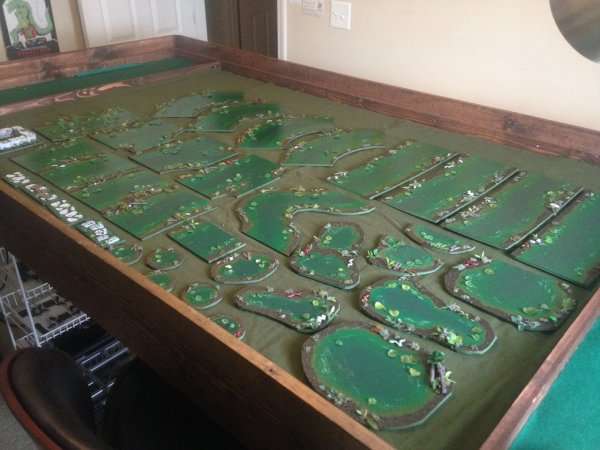
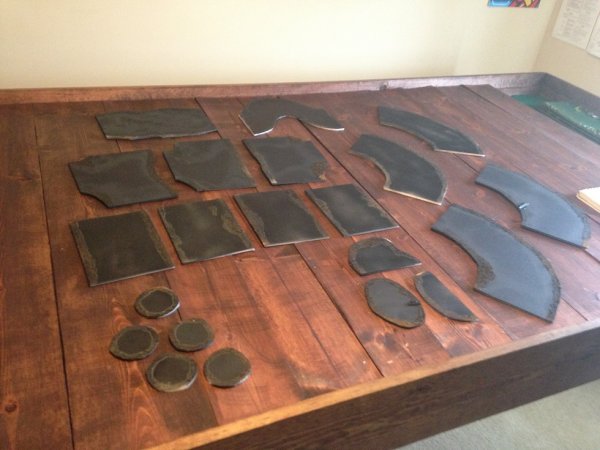
I made my river tiles in two parts. The first half mostly had straight pieces, while my part 2 of the project had some curved pieces too. I used foam board you get out of a craft store.
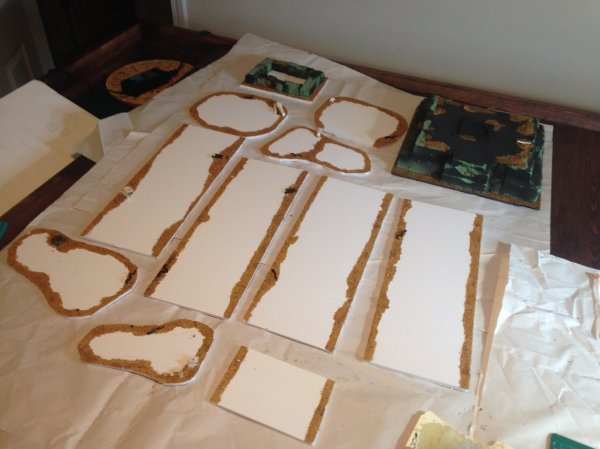
Careful measuring is important to ensure all the tiles will line up. All of my tiles are exactly 5 inches thick at the connection end, with a 1/2 inch border of sand glued to the foam board to represent the edge of the water feature.
Step 3: Basecoat
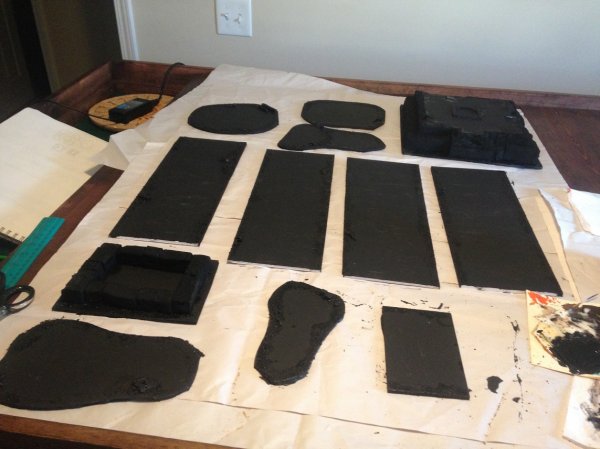
I always paint my terrain black to start, so that is what I used here. It provides an extra layer of stability to the foam (paint both sides, two coats each) and helps hold the sand in place.
Step 1: Designing your tiles.
I really like making my terrain interchangeable and able to be used in multiple different combinations. This makes each board I put together slightly different than the last one. For inspiration as you make your river or canal tiles, I recommend doing some internet searching first. Here is some of the inspiration I found when coming up with my river tiles.
ALSO CHECK THIS OUT! @n810 made an epic river way back when too.
Step 2: Cut out your tiles.
I made my river tiles in two parts. The first half mostly had straight pieces, while my part 2 of the project had some curved pieces too. I used foam board you get out of a craft store.
Careful measuring is important to ensure all the tiles will line up. All of my tiles are exactly 5 inches thick at the connection end, with a 1/2 inch border of sand glued to the foam board to represent the edge of the water feature.
Step 3: Basecoat
I always paint my terrain black to start, so that is what I used here. It provides an extra layer of stability to the foam (paint both sides, two coats each) and helps hold the sand in place.